
Description
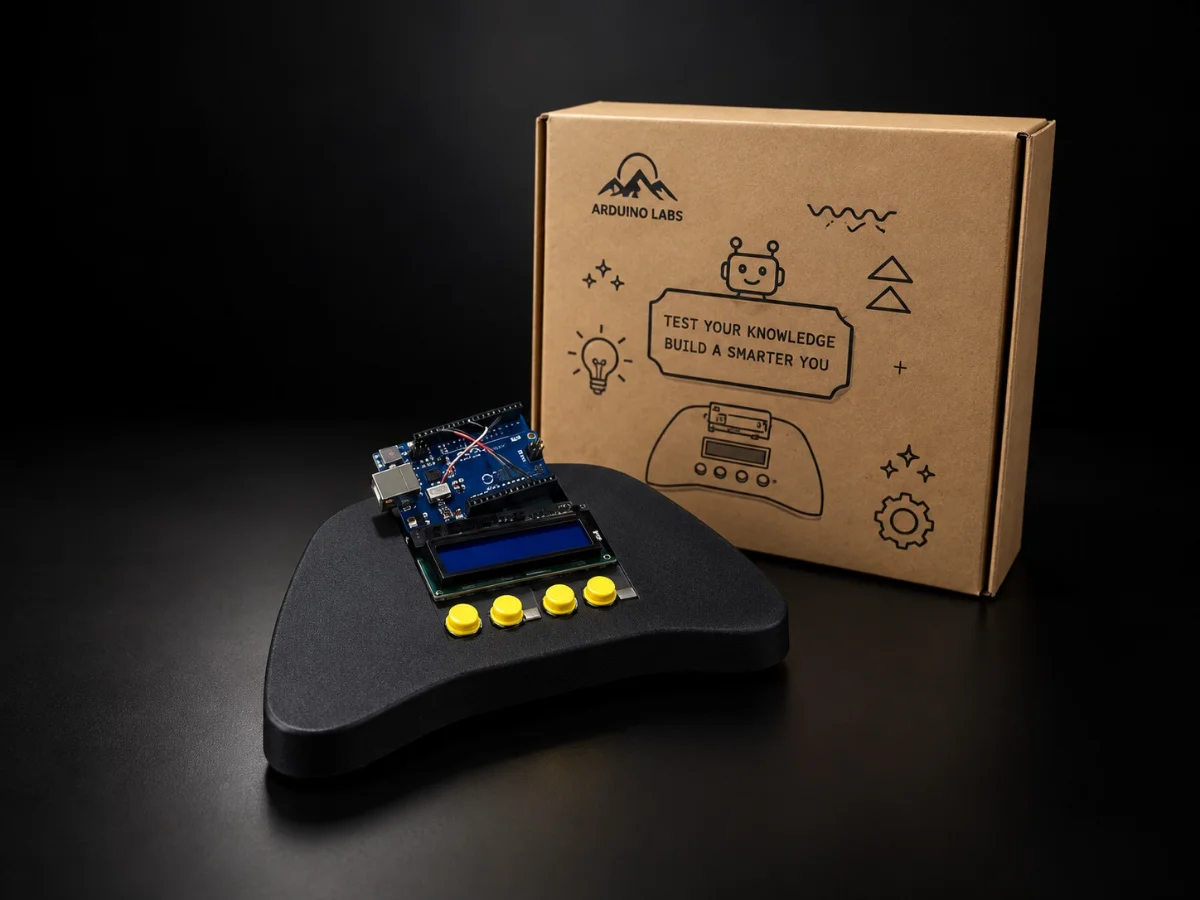
Most electronics projects end with a circuit on a desk. This one ends with something you can hand to a friend and tell them to press start. Students assemble the console shell, wire the buttons and the LCD to an Arduino Uno, and then write the game that runs on it.
Key features
- Finished console shell a real object at the end, not a breadboard
- Arcade-style buttons proper tactile controls wired by the student
- LCD display the screen the game is written for
- Arduino Uno inside programmed with the IDE students already use
- Write your own games the code is the point, the console is the reward
Learning resources
Programming: Arduino IDE
Tutorial languages: English
Ideal for
Students who have finished a starter kit and want a project with a finished object at the end — clubs, holiday programmes and gifts.
Please note
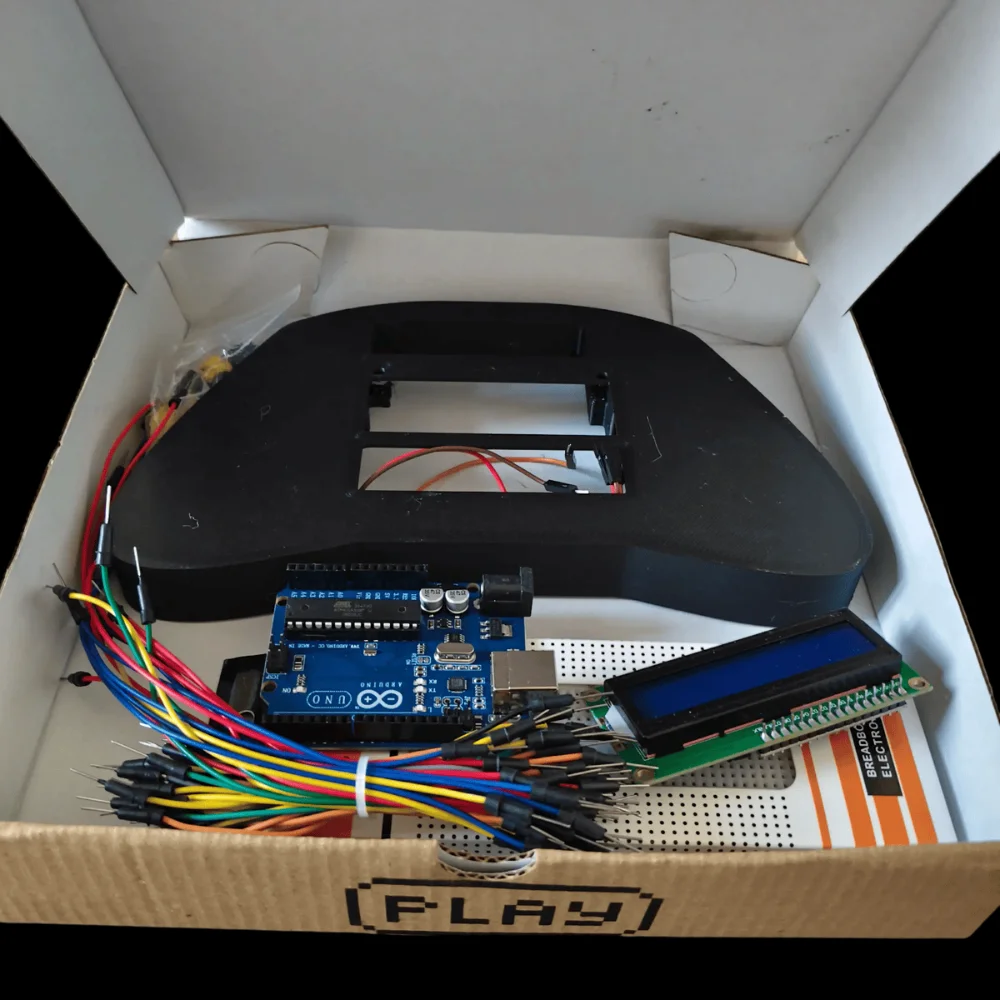
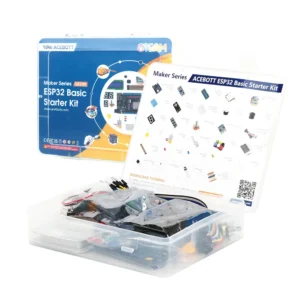
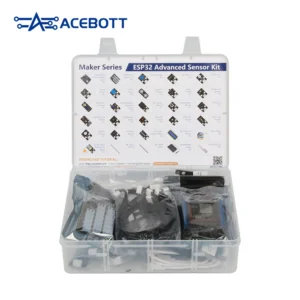
Kit contents are shown in the product photographs.
Specifications
| Specification | Detail |
|---|---|
| SKU | KIT-RETROFORGE |
| Controller | Arduino Uno |
| Display | LCD module |
| Controls | Arcade-style buttons |
| Build | Console shell, breadboard and jumper leads |
| Programming | Arduino IDE |
| Best for | A second project after a starter kit |
Frequently Asked Questions
Is this a beginner project?
It suits someone who has already built a few circuits. The wiring is straightforward but there is more of it than in a first project.
Does it come with games?
The point of the kit is writing them. Example code gets the screen and the buttons working, and the games are yours to build from there.
Does it need soldering?
No. The build uses solderless connections.
Reviews
There are no reviews yet.