
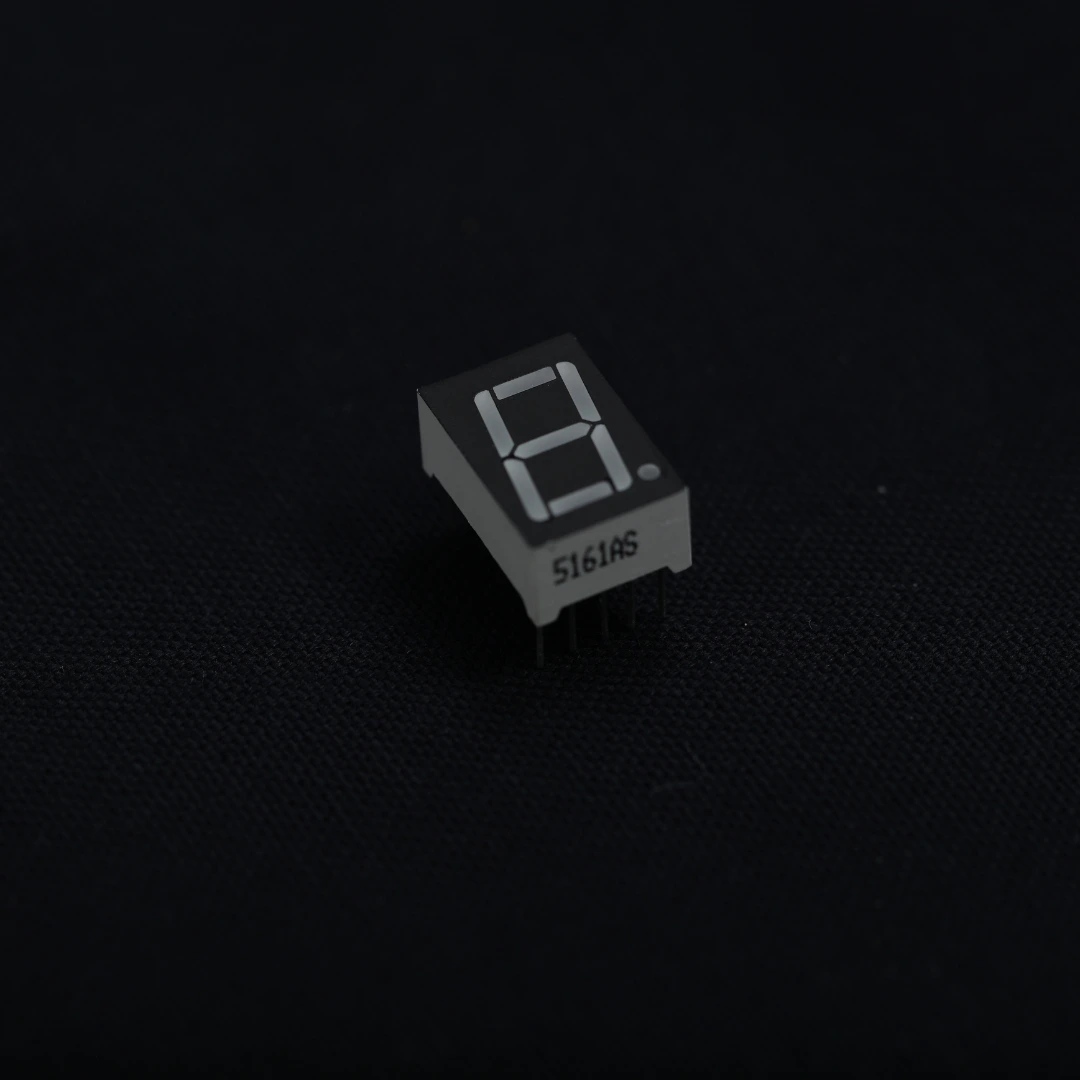
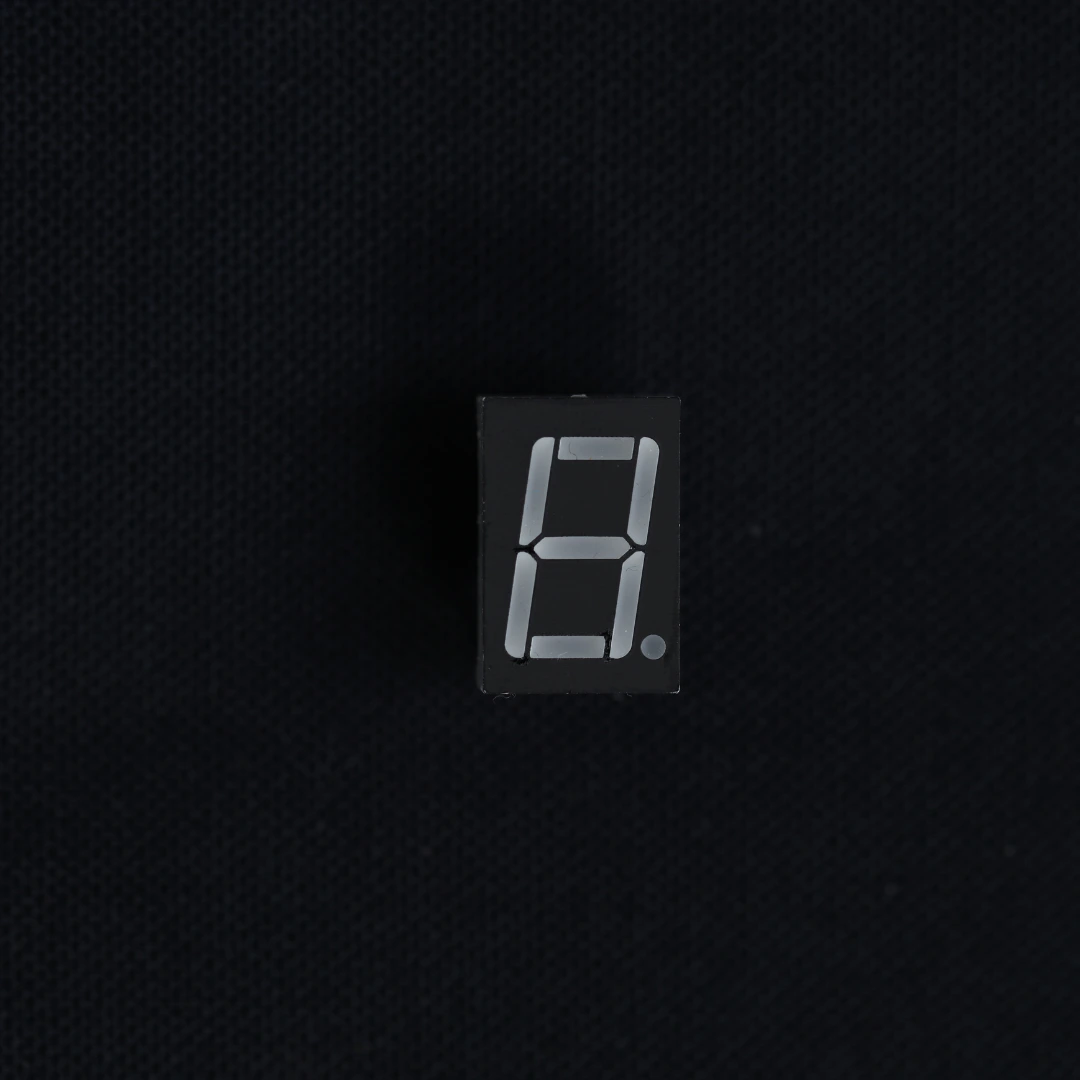
Description
Overview
The 1 Digit 7 Segment LED Display is a simple and essential electronic component used to display numeric digits (0–9). It consists of 7 LED segments arranged in a figure-8 pattern, along with an optional decimal point.
This display is widely used in educational projects, embedded systems, and basic electronics learning, making it perfect for beginners who want to understand how digital displays work at the hardware level.
Available in Common Anode or Common Cathode configurations, it offers flexibility depending on your circuit design.
Key Features
- Single Digit Display (0–9)
- 7 Segments + Decimal Point
- Available in Common Anode/Cathode
- Bright LED Output – High visibility
- Compact & Lightweight – Easy to integrate
- Low Power Consumption
- Ideal for Learning Electronics Basics
Technical Specifications
- Display Type: 1 Digit 7 Segment LED
- Number of Segments: 7 + Decimal Point
- Configuration: Common Anode / Common Cathode
- Operating Voltage: ~2V per segment
- Forward Current: 10–20mA per segment
- Pin Count: Typically 10 pins
- Display Color: Red (common), also available in green/blue
- Digit Height: Varies (0.36”, 0.56”, 1” options available)
How It Works
Each segment (labeled A–G) is an individual LED. By turning specific segments ON or OFF, you can display numbers:
- 0 → All segments except G
- 1 → Segments B and C
- 2 → A, B, D, E, G
- (and so on)
Control is done directly via microcontroller GPIO pins with current-limiting resistors.
Applications
- Basic number display projects
- Digital counters
- Educational circuits
- Arduino beginner projects
- Status indicators
- Embedded systems learning
- DIY electronics kits
Why Choose This Display?
The 1-digit 7-segment display is the best starting point for understanding:
- LED control
- GPIO interfacing
- Digital logic basics
At Alpsense, we provide:
- Tested, high-quality components
- Perfect for STEM learning kits
- Beginner-friendly project support
- Reliable and fast delivery
What’s Included
- 1 x 1 Digit 7 Segment LED Display
Getting Started
To use this display:
- Connect each segment to a GPIO pin via a resistor
- Use Arduino or ESP32 to control segments
- Refer to segment mapping (A–G) for digit display
Reviews
There are no reviews yet.