The hardest part of starting electronics is not the code — it is not knowing what any of the parts do. This course takes you from a box of components to a working device you built and understand, one chapter at a time.
Every chapter follows the same shape: what the component is, how to wire it, the complete code, and a line-by-line explanation of why each instruction is there. Nothing is assumed. The first sketch needs no wiring at all, and by the final project you are combining a distance sensor, a display, coloured signals and sound into a single working parking assistant.
Twenty-eight chapters across twelve sections, designed to be worked through in order — each one builds on the last, and every chapter lists which earlier ideas it depends on. Each ends with a real-world application question to attempt and post on the forum.
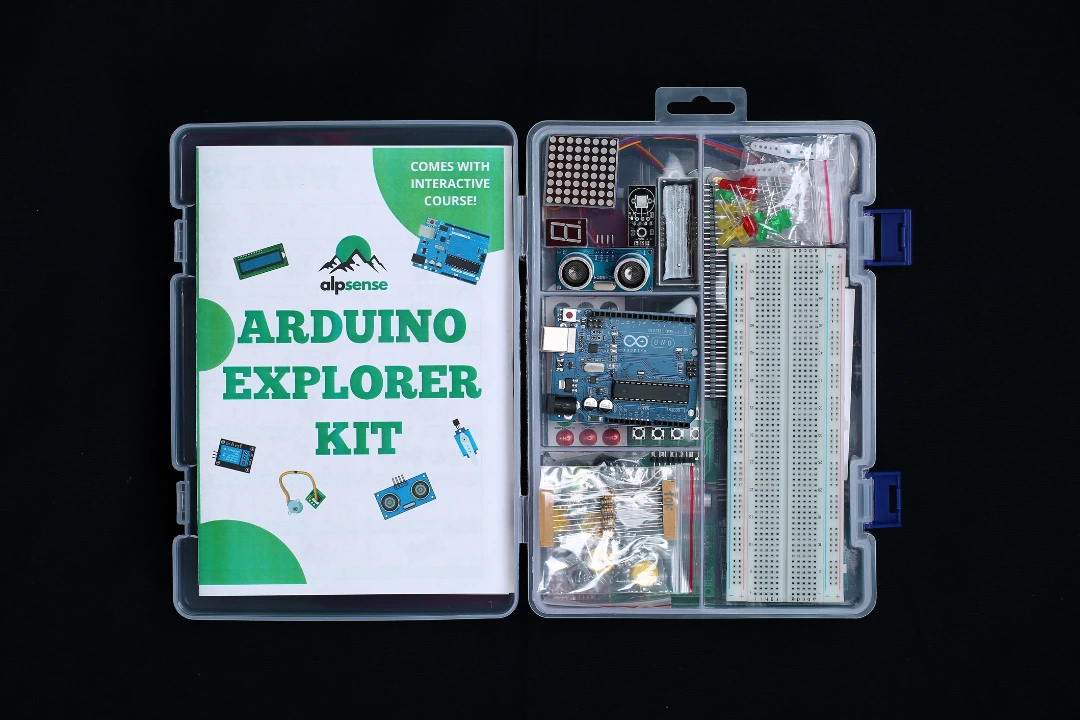
Written for the Alpsense Arduino Explorer Kit, and suitable for any Arduino Uno with the matching components.

An introduction to the Arduino Uno Microcontroller Board and Arduino IDE (Integrated Development Environment)
A few things to know in order to build circuits with Arduino Uno

In this lesson, students will learn how to make an LED blink using an Arduino Uno. This project is a great introduction to programming with Arduino and helps students understand the basics of digital output, pin configuration, and controlling components. By the end of the lesson, students will have a working understanding of how to write code that controls hardware, and they'll know how to troubleshoot simple circuits.
This lesson will teach us how to work with LEDs using an Arduino Uno. This is a great introduction to programming with Arduino and helps beginners understand the basics of digital output, pin configuration, and control components.