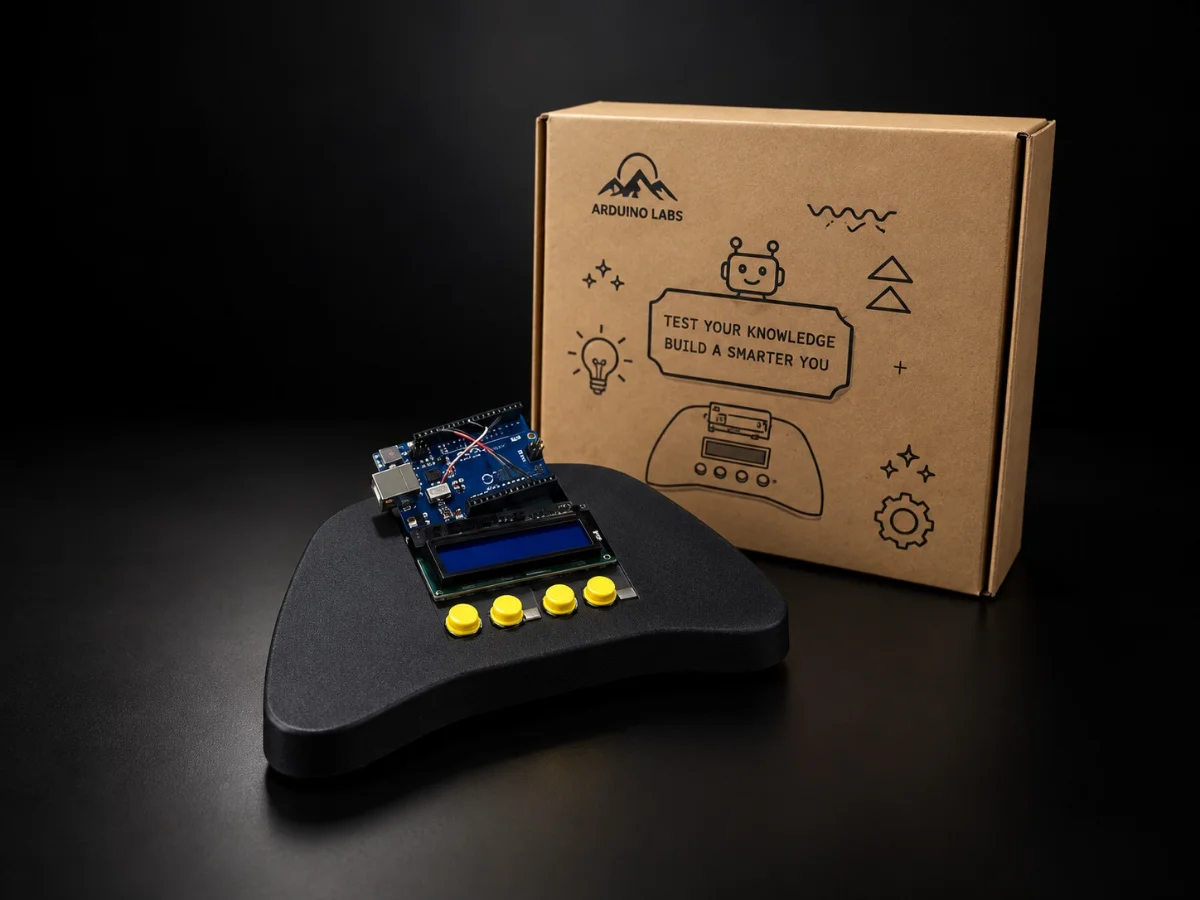
Most electronics projects end with a circuit on a desk. This one ends with an object you can hand to someone and tell them to press start.
You will assemble the console shell, wire arcade buttons and a screen to an Arduino Uno, and then write the games that run on it. The wiring is straightforward — what is new is making it work as a product: something that survives being picked up, handed around and played by someone who has never seen the inside.
Games are unforgiving in a way that circuits are not. A sensor that responds a tenth of a second late is fine; a button that does is unplayable. This course spends real time on the things that decide whether a game feels right — contact bounce, frame rates, non-blocking code — because on a console you can feel every one of them.
Along the way you will meet the constraints that shaped early arcade games: 32 character cells, eight sprites, and two kilobytes of memory. They are a brief, not a limitation.
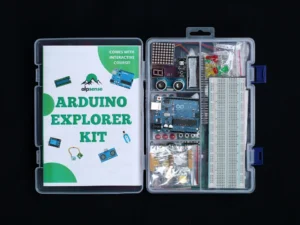
This is a second project, not a first one. It assumes you have completed Mastering Arduino Uno or the Arduino Explorer Kit Course, or are already comfortable with sketches, wiring an LCD, and reading a button.