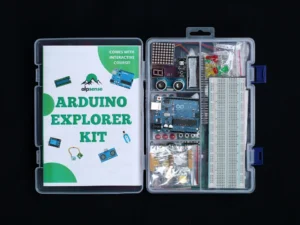
A focused grounding in the Arduino Uno itself — the board, the language, and the four skills every project after this one depends on: driving outputs, reading inputs, talking to your computer, and measuring the world in more than on and off.
This is the foundations track. It covers no sensors, motors or displays; it makes sure that when you meet them, nothing about the board or the code is still a mystery.
Thirteen chapters across five sections, worked through in order. Each gives the wiring, the complete code, and a line-by-line explanation, and ends with a real-world application question.
Ready for more? The Arduino Explorer Kit Course continues from here with sensors, motors, displays and a full final project.

An introduction to the Arduino Uno Microcontroller Board and Arduino IDE (Integrated Development Environment)
A few things to know in order to build circuits with Arduino Uno

In this lesson, students will learn how to make an LED blink using an Arduino Uno. This project is a great introduction to programming with Arduino and helps students understand the basics of digital output, pin configuration, and controlling components. By the end of the lesson, students will have a working understanding of how to write code that controls hardware, and they'll know how to troubleshoot simple circuits.
This lesson will teach us how to work with LEDs using an Arduino Uno. This is a great introduction to programming with Arduino and helps beginners understand the basics of digital output, pin configuration, and control components.